Case study · Carusel Books
A real bookshop, built to sell and measured live
caruselbooks.ro is the online bookshop of Carusel Books, an imprint of Carusel Multimedia, the company behind Slova. We built it on Magento and Hyvä, and every Slova module started there, as an answer to something the shop needed.
This is what we built, why we built it that way, and what it measures today.
Visit caruselbooks.ro ↗100
Lighthouse performance
product page, desktop
0
Cumulative Layout Shift
product page, desktop
0.8 s
Largest Contentful Paint
product page, desktop
58
custom modules
built in-house
Measured with the tracking on. Every number on this page comes from the live store with Google Analytics, Google Ads, Meta and TikTok tracking running, in the browser and from the server.
| Page | Performance | Accessibility | Best practices | SEO |
|---|---|---|---|---|
| Product page · desktop | 100 | 97 | 96 | 100 |
| Catalog · mobile | 91 | 92 | 96 | 100 |
| Product page · mobile | 85 | 97 | 96 | 100 |
| Home page · mobile | 84 | 97 | 96 | 100 |
Mobile is Lighthouse’s phone test, with a slowed-down network and CPU. On it, the catalog page with a full grid of covers scores 91, with a Cumulative Layout Shift of 0 and 80 ms of blocking time.
The product page
Every product page is a landing page
A book doesn’t sell from a cover and a price. On caruselbooks.ro the product page carries the whole pitch: cover, facts and buy box above the fold, then everything a good bookseller would say about it.
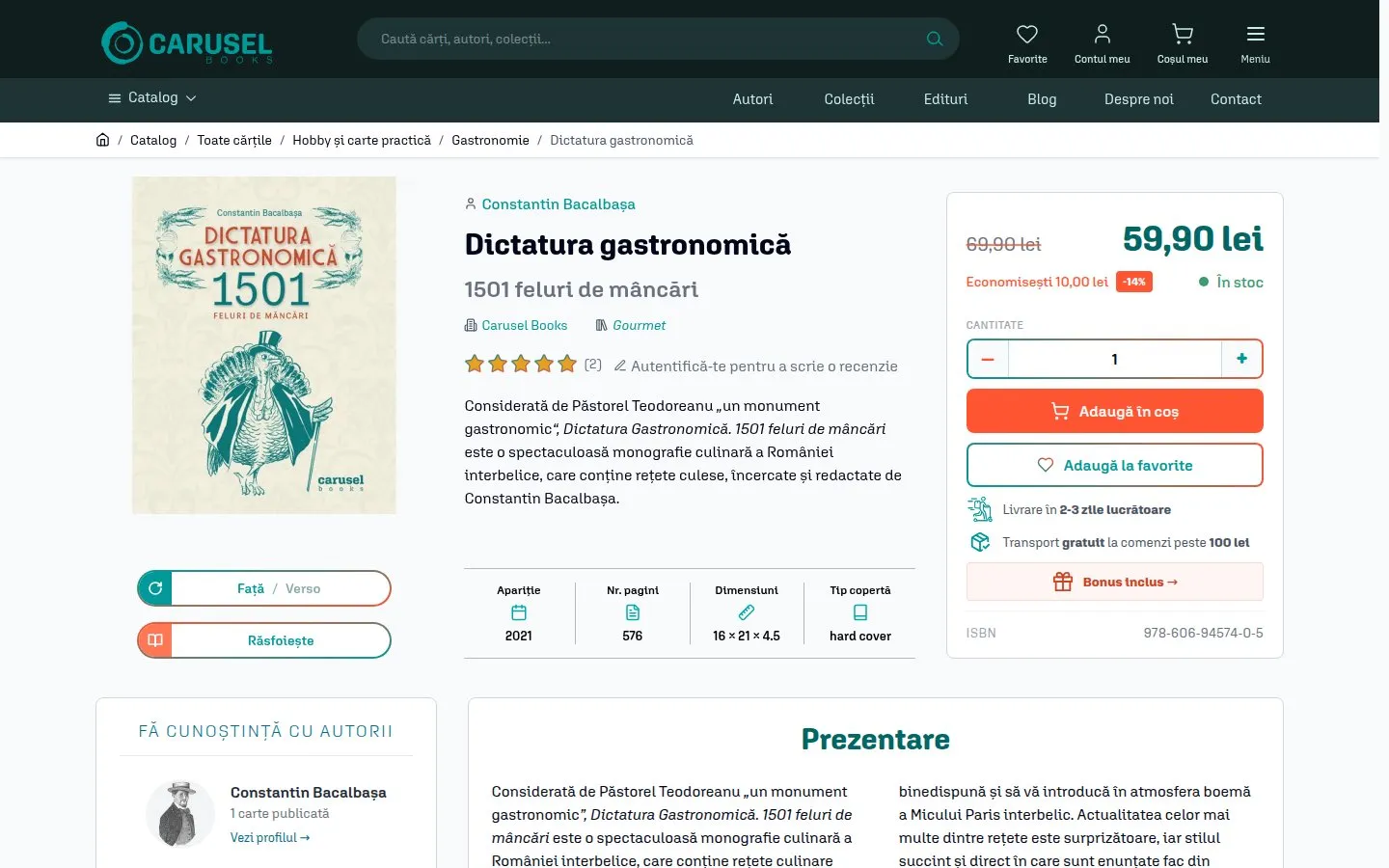
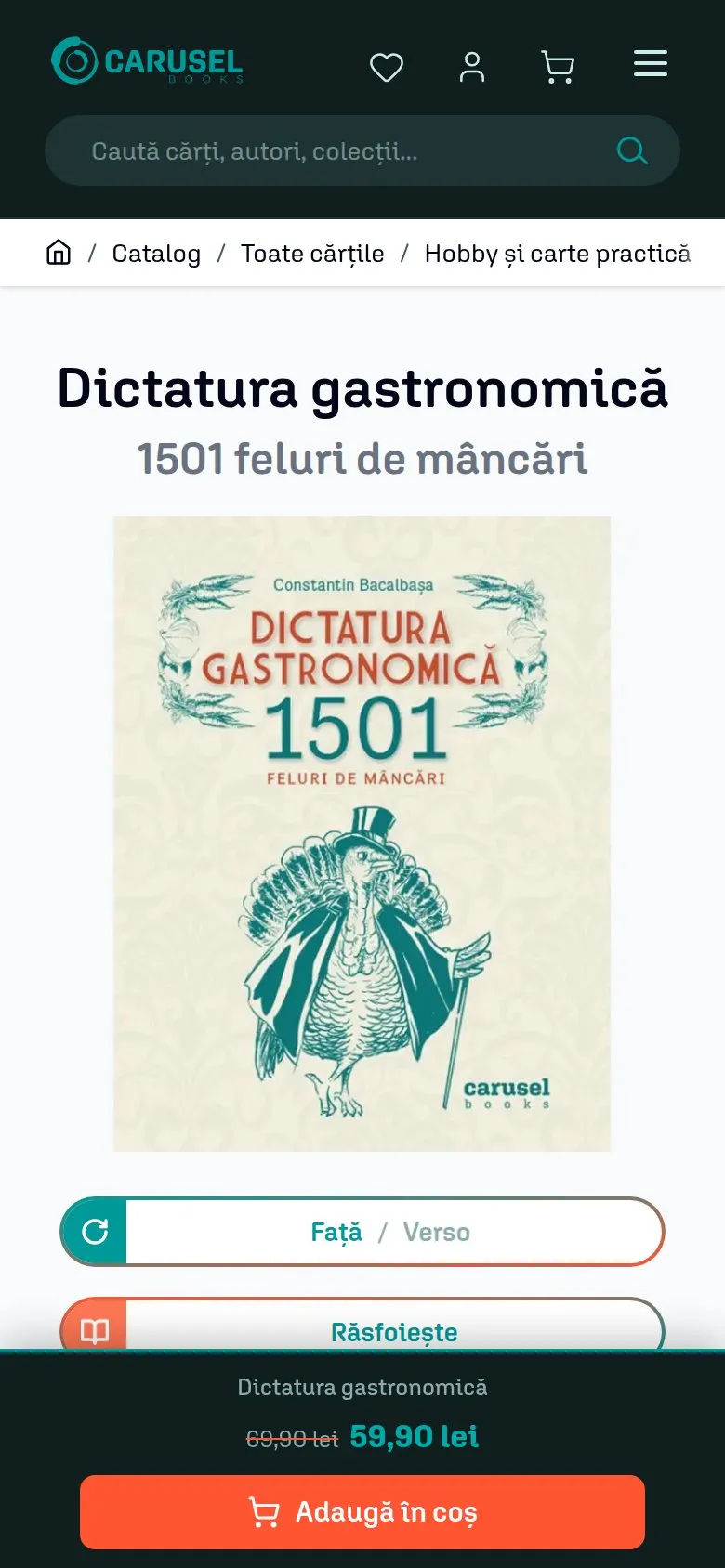
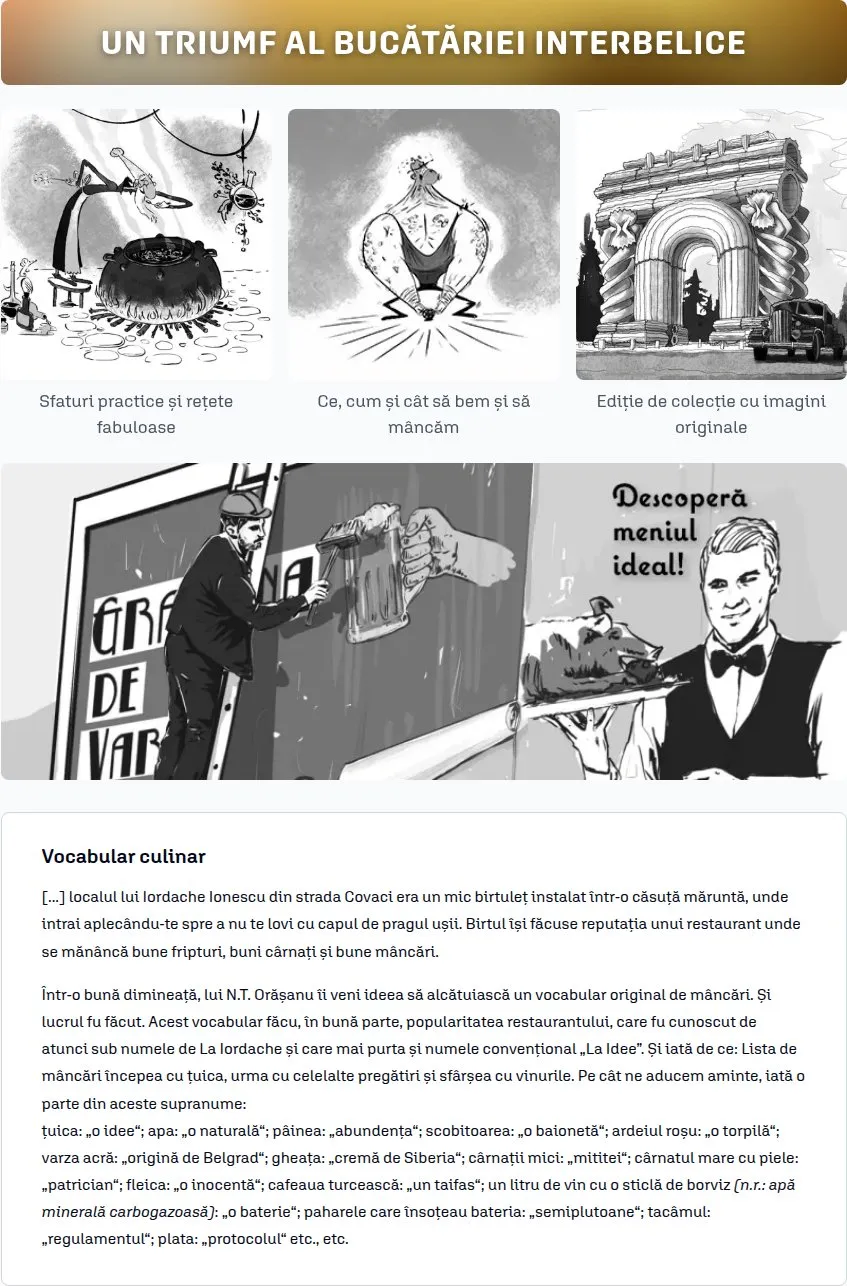
Below it, each book can have its own landing page, put together from fields in the admin. Each part appears only when it is filled in, so a book with a single banner looks as finished as one with all of them.
A banner above and below
Each with its own desktop and phone image, a line of text over it and a link.
A picture grid with captions
Illustrations from the book, each with a short line under it.
A fragment of the book
A page or two, so the reader hears the author before buying.
Who it is for, and who not
Two short lists, with titles of their own, so the reader knows what to expect.
Bundles and authors
The sets the book belongs to, and a card for each author with a link to their page.
Reviews
Ratings, the book’s rank in its categories, and what readers wrote.
Rigid flexibility
No Page Builder, on purpose
Page Builder is turned off. Editors don’t drag blocks around: they fill in fields, and the layout is written once, in PHP templates.
Flexible where the content changes
Banners, captions, fragments, lists and colours are fields. Any field can stay empty, and its part of the page goes with it.
Rigid where the page could break
Spacing, typography, breakpoints and image sizes are decided in code and can’t be broken by a save in the admin. The HTML stays lean: no wrapper divs and inline styles from a drag-and-drop editor.
The home page works the same way
It is a list of sections managed in the admin, each switched on or off and put in order, each type with its own fields:
- Product sliders: new, featured, by category, curated
- Illustrated SVG bands
- Featured authors
- Coming soon
- Bestseller spotlight
- Editorial hero
- Latest blog posts
Layout shift
Nothing moves once it is on screen
Cumulative Layout Shift is 0 on the product page and the home page on desktop, and 0 on the catalog in Lighthouse’s phone test. On the slowest phone we could emulate, every page stays below 0.1, Google’s “good” threshold.
One fix shows the method. A layout shift of 0.23 appeared on the home page, on desktop only, right after deploys, and was gone the next day. We delayed the hero image on purpose to make it happen every time, found it, reserved the space, and measured 0.
Every image arrives in a box of its own size
The server reads each picture’s real width and height and writes them into the page, including the computed size of images that sit in auto-width grid columns, where width and height attributes alone reserve nothing.
Placeholders for what loads later
Parts filled in the browser, such as recently viewed products, keep a placeholder of their final height at every breakpoint, and the slider dots keep their space before the slider starts.
The gallery is sized before the cover loads
A placeholder image gives the product gallery its height, so the title and the buy box never jump when the cover arrives.
Fonts are left alone
No font metric tricks: the shift is fixed where it starts, in the layout.
Images
WebP for photos, SVG for everything drawn
A bookshop is mostly pictures. Every one of them is served in the format and the size the screen needs.
WebP in the right size
Covers and photos are converted to WebP in several widths, each labelled with its real width, so a phone never downloads a desktop image and a small source is never passed off as a large one.
−34% image weight on the home page, desktop
The largest image first
The first cover in the catalog is announced in the page head, in the exact size the phone will pick, and the covers below the fold no longer load eagerly next to it.
Catalog LCP on a slowed-down phone: 2.09 s → 1.60 s
SVG, drawn in Illustrator
Home banners are SVG drawn in Illustrator and placed in the page with the site’s own font, sharp at any size. On upload they are cleaned of anything executable, their IDs made unique, and heavy background textures turned into small WebP files.
Home page HTML when the textures moved out: 186 KB → 83 KB compressed
The same discipline applies to the HTML itself. CSS that every product card repeated, 5.8 KB of it per card, now lives in the stylesheet, cached for a year, and scripts moved out of the page. Each change was measured after compression: an SVG sprite, for instance, would have saved 0.4 KB, so we didn’t build it.
Slova M2M Engine
Authors and collections, as real entities
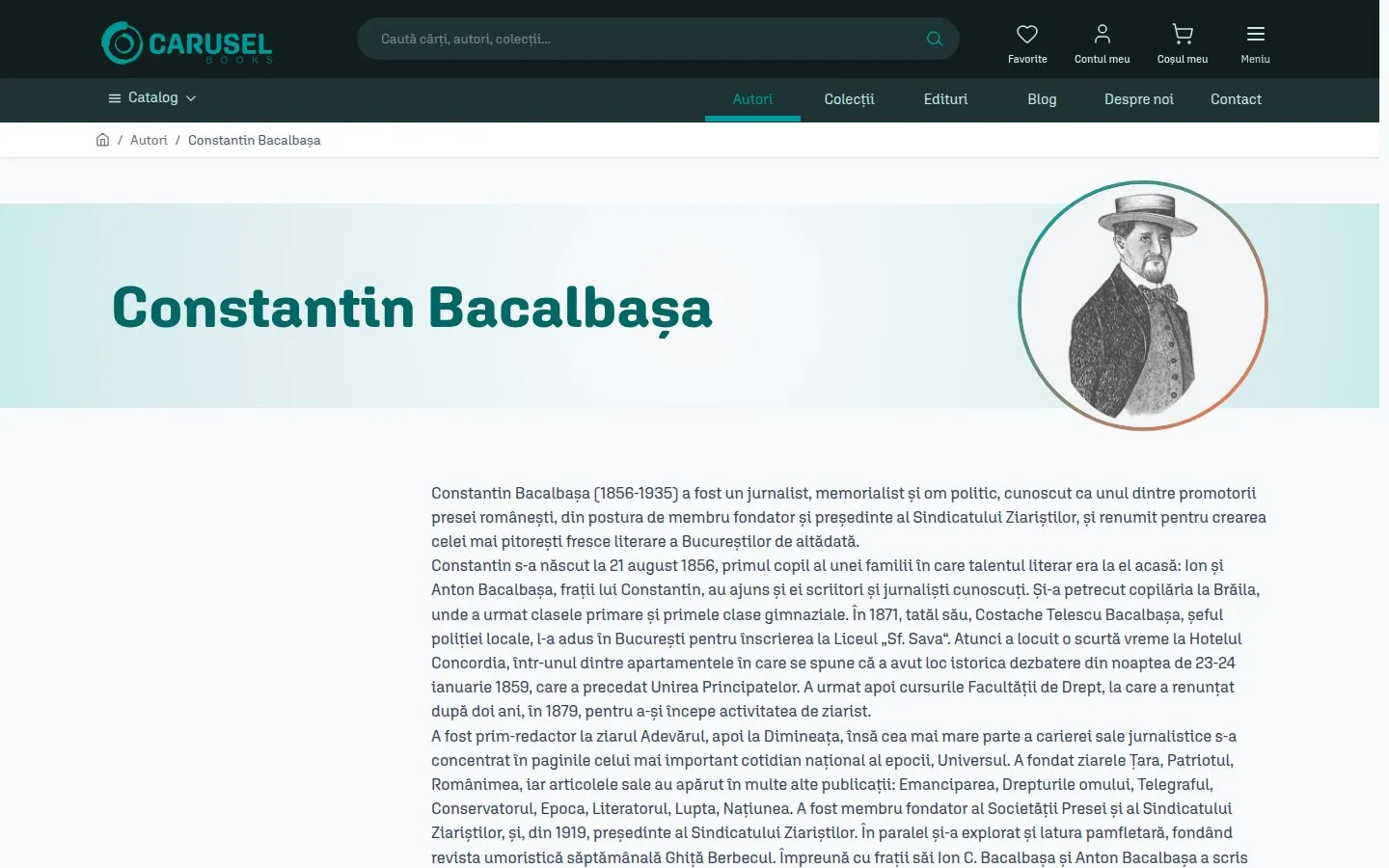
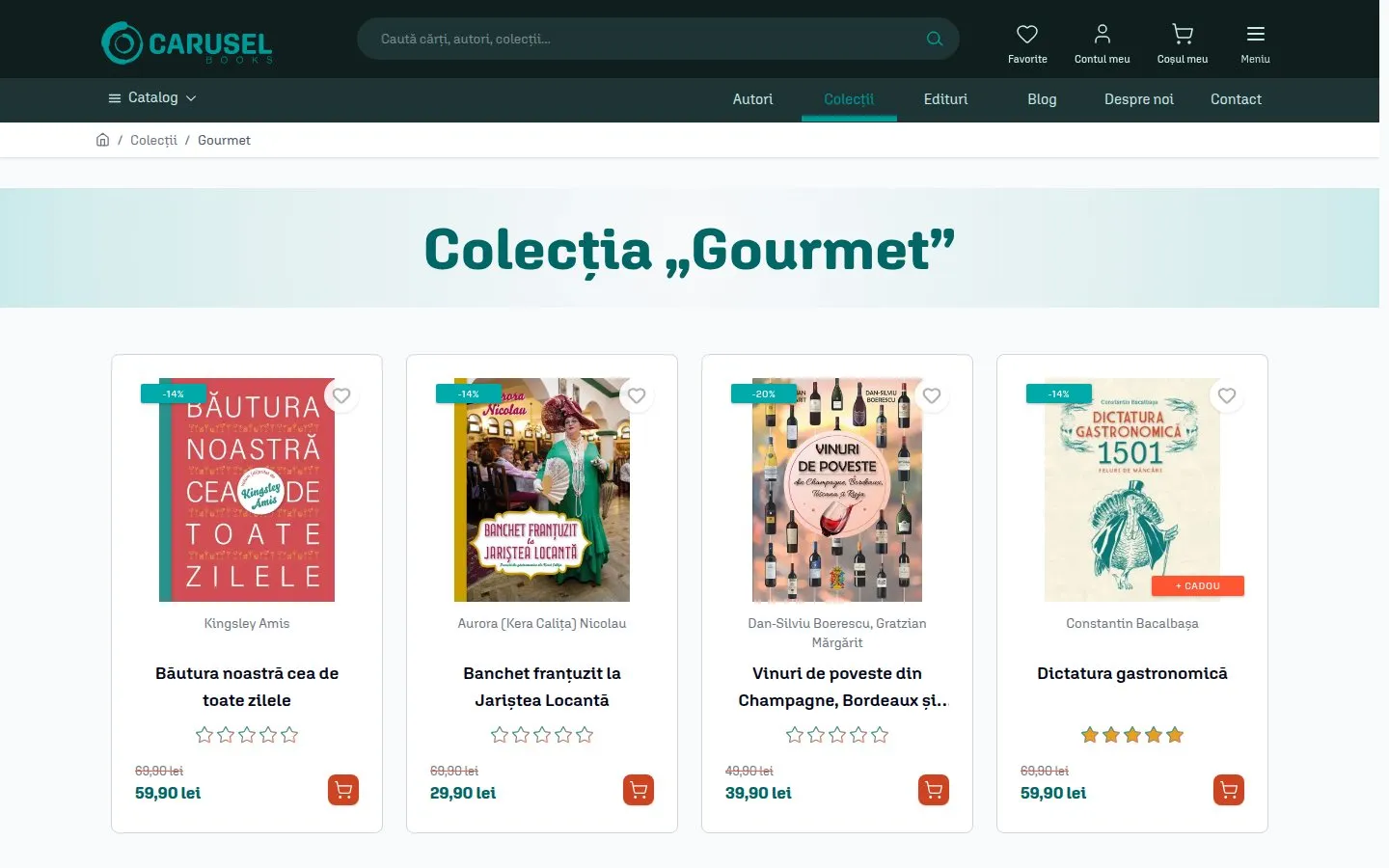
Magento attributes can tell you a book’s author. They can’t give the author a page, a portrait, a biography, or a discount of their own.
On caruselbooks.ro authors and collections are entities of their own, linked to books many-to-many: one book, several authors; one author, many books. It is the part of the store we are proudest of, and we are turning it into a module: Slova M2M Engine.
One link, used everywhere
 A field on the product form, for any number of authors or collections per book
- Their own pages with clean URLs, /autori/ and /colectii/, with SEO text generated from templates
- Conditions in catalog price rules: “every book by this author, 20% off” is one rule
- Filters in the catalog and suggestions in search as you type
- A source for related products: more by the same author, more from the same collection
- Columns in the product import and export
From the store to yours
Modules that earned their place first
Each of these runs on caruselbooks.ro with real orders before it is offered to anyone else. The store also runs the Romanian integrations we built: DPD and Sameday couriers, SmartBill invoicing, Netopia card payments and ANAF company lookup.
- Tracking · Conversions sent from the browser and from the server, so ad blockers don’t lose them→
- Discovery · Search as you type, across books, authors and collections→
- Product Feed · The Google Shopping and Meta feeds→
- Bestsellers · Lists and ranks from what readers actually paid for→
- Free Gift · A gift with the order, above a cart value→
- Trendyol · The catalogue listed and the orders imported from Trendyol→
- Cookie Consent · The consent banner, with Consent Mode v2→
Want this for your store
Start with a module, or ask us to do the same work on your Magento store: Hyvä themes, performance, tracking, integrations.